How to Version Software
Beginner's Guide to Versioning Software with Android (Kotlin ) as an example.
Introduction
Versioning software is a critical practice that allows developers to track and manage changes in their applications. By following versioning best practices, we can ensure smooth updates, maintain backward compatibility, and keep your users satisfied. In this beginner-friendly article, we'll explore how to version software using the Android (Kotlin) Project as an example, providing clear examples and explanations for easy understanding.
Understanding Version Numbers (X.X.X)
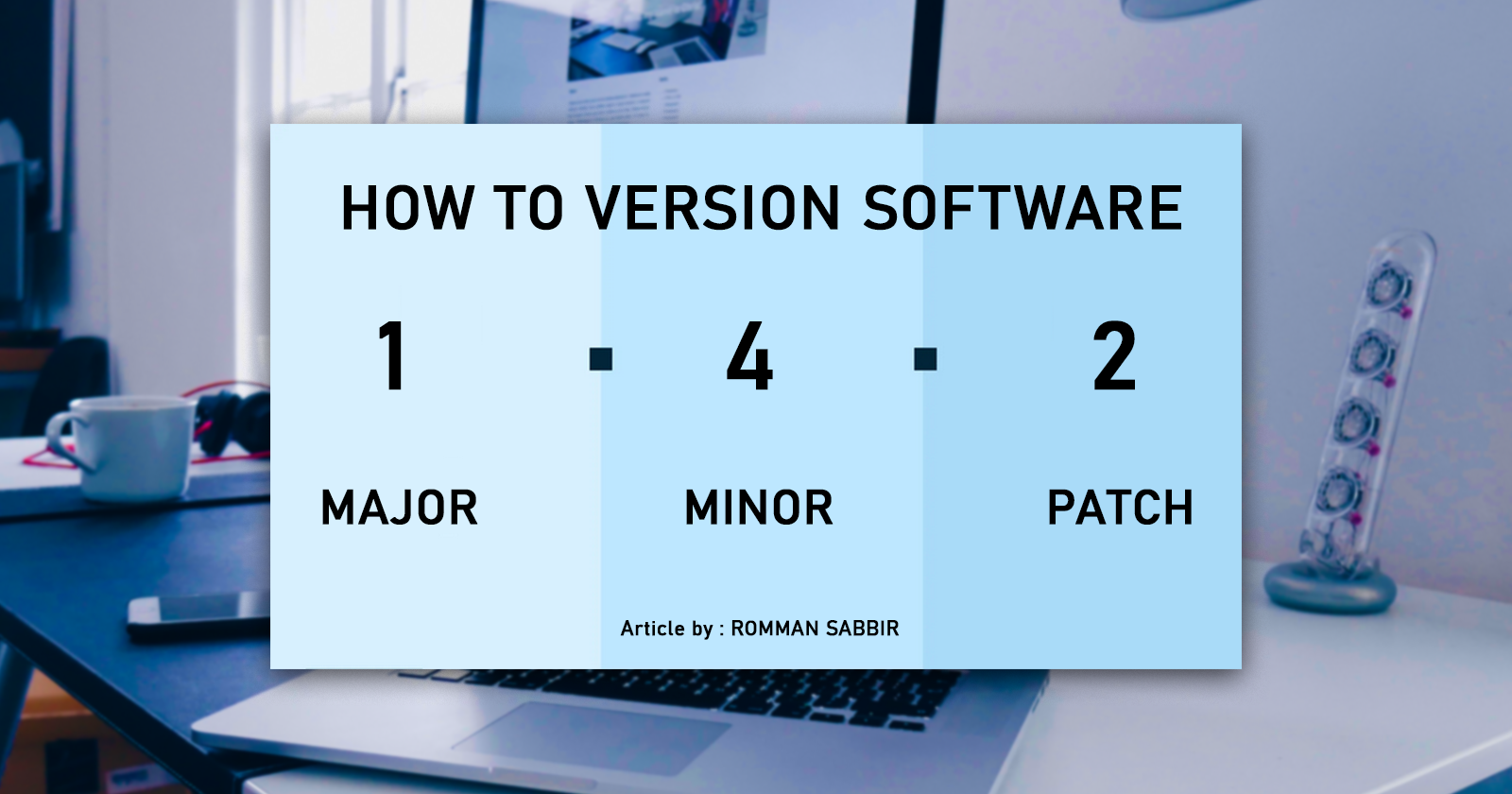
Version numbers are essential to uniquely identify different releases of your software. They usually follow the format: Major.Minor.Patch.
Major: Represents significant updates that may introduce backward-incompatible changes.Minor: Indicates new features and improvements while maintaining backward compatibility.Patch: Signifies bug fixes and minor enhancements with no impact on backward compatibility.
Example: If our app's current version is 1.2.0, the next version might be 2.0.0 (major update), 1.3.0 (minor update), or 1.2.1 (patch update).
Example with Android
In our Android (Kotlin) project build.gradle, where we'll configure versioning settings.
// build.gradle (Module: app)
android {
    // ...
    defaultConfig {
        applicationId "com.rommansabbir.howtoversioningsoftware"
        minSdkVersion 21
        targetSdkVersion 33
        versionCode 1
        versionName "1.0.0"
    }
    // ...
}
In the defaultConfig block, we set the versionCode and versionName. The versionCode is an integer used by the system to determine if one version is newer than another. The versionName is a user-readable string to identify the version.
Incrementing Version Numbers
For each new release, we must increment the version numbers appropriately to reflect the changes made in your app.
For a major update (significant changes), increment the major version:
  // Increment the major version number
  versionName "2.0.0"
For a minor update (new features, backward-compatible), increment the minor version:
  // Increment the minor version number
  versionName "1.1.0"
For a patch update (bug fixes, backward-compatible), increment the patch version:
  //Patch updates don't change the versionCode
  versionName "1.0.1"
Best Practices for Publishing on Google Play Store
When publishing our Android app on the Play Store, follow these practices:
Ensure the
versionCodeis higher for each new release to indicate a newer build.The
versionNameshould be user-friendly and follow a logical pattern.Provide clear release notes describing the changes introduced in each update.
Conclusion
Versioning software is essential for software development. Understanding version numbers, and managing versioning can make the process more efficient. By following these beginner-friendly practices, we can confidently version your Software and provide seamless updates to our users.
That's it for today. Happy coding.
If get to know something new by reading my articles, don't forget to endorse me on LinkedIn
Read about SOLID Principles
Read about Android Development
About the author
Senior Android Engineer from Bangladesh. Love to contribute in Open-Source. Indie Music Producer.
Comments
Join the discussionNo comments yet. Be the first to comment.


